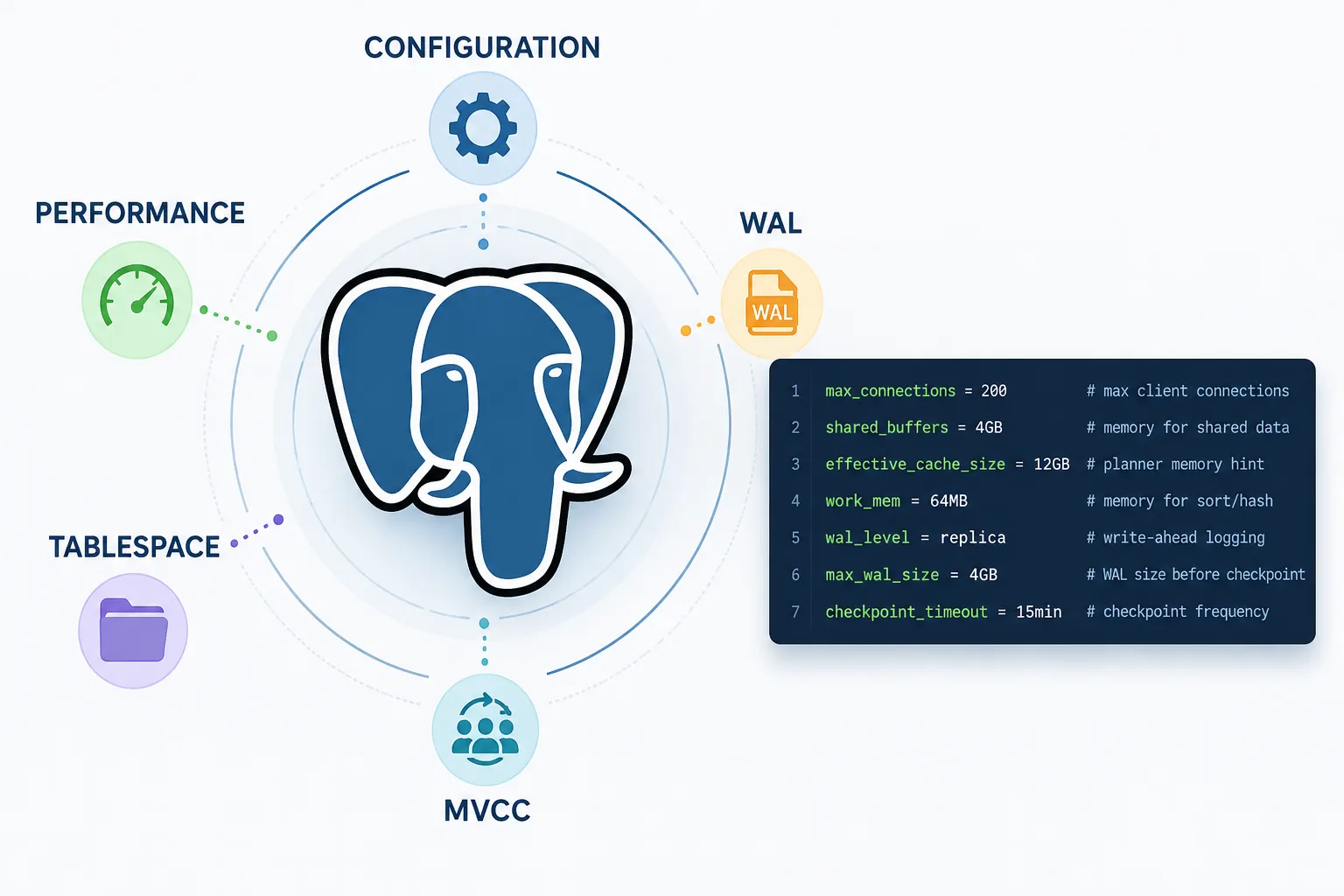
This is a continuation of my effort to explore and understand Postgres. In this post I will be covering important configuration and its database structure.
Connection Settings
max_connections
Maximum number of concurrent client connections. Each connection consumes memory, so balance this with available RAM.
max_connections = 100Higher values require more memory per connection. Consider using connection pooling (PgBouncer, PgPool) for high-volume applications.
Memory Settings
shared_buffers
Memory used for caching table data. This is the most critical setting for performance.
shared_buffers = 128MBRecommended: 25% of available RAM. PostgreSQL also uses OS cache, so leaving memory for the OS is important.
effective_cache_size
Hint to the query planner about how much memory is available for caching. Helps the planner make better decisions.
effective_cache_size = 4GBRecommended: 75% of available RAM. This doesn’t allocate memory - it just advises the planner.
maintenance_work_mem
Memory for maintenance operations like VACUUM, CREATE INDEX, and ALTER TABLE.
maintenance_work_mem = 64MBRecommended: 512MB-1GB for heavy maintenance.
work_mem
Memory per query operation (sorting, hash joins, bitmap operations).
work_mem = 4MBA complex query may use multiple work_mem allocations. Increase if you have complex queries with sorts/hashes.
Write Ahead Log (WAL) Settings
wal_buffers
Memory for WAL data before writing to disk.
wal_buffers = -1 # Auto-tuned (recommended)The default (-1) lets PostgreSQL auto-tune based on shared_buffers.
min_wal_size / max_wal_size
Controls WAL file recycling - keeps at least min_wal_size, cleans up to max_wal_size.
min_wal_size = 80MB
max_wal_size = 1GB
Increase max_wal_size if you have heavy write workloads or use replication.
Parallel Query Workers
max_worker_processes
Maximum background worker processes (including autovacuum).
max_worker_processes = 8Should match CPU cores. Affects parallel queries and background tasks.
max_parallel_workers_per_gather
Maximum parallel workers per parallel table scan or join.
max_parallel_workers_per_gather = 2max_parallel_workers
Total parallel workers available across all parallel queries.
max_parallel_workers = 8max_parallel_maintenance_workers
Parallel workers for maintenance operations (CREATE INDEX).
max_parallel_maintenance_workers = 2Viewing Current Settings
-- Show all settings
SHOW ALL;

-- Show specific setting
SHOW shared_buffers;

-- Query with details
SELECT name, setting, unit, context
FROM pg_settings
WHERE name IN ('shared_buffers', 'max_connections', 'work_mem');
Reloading Configuration
After modifying postgresql.conf, reload or restart:
-- Reload (keeps connections)
pg_ctl reload -D /path/to/data

-- Or from psql (doesn't require superuser)
SELECT pg_reload_conf();

-- Full restart for memory changes
pg_ctl restart -D /path/to/data
Quick Tuning Recommendations
| Setting | Recommended Starting Value |
|---|---|
| shared_buffers | 25% of RAM |
| effective_cache_size | 75% of RAM |
| work_mem | 4-64MB |
| maintenance_work_mem | 256MB |
| max_connections | 100 |
| max_worker_processes | CPU cores |
Remember to test changes in a staging environment before applying to production!
Postgres Databases
Postgres consist of multiple databases, collectively known as database cluster. Upon executing initdb, three databases are created: template0, template1, and postgres. template0 and template1 serve as template databases for creating user databases.
template0 is provided as an initial state template, while template1 allows users to add custom templates. This facilitates user-specific customizations right from database creation. By default, the postgres database is the primary database created using the template1 database. If no specific database is mentioned upon connection, it defaults to the postgres database. User databases are also generated by cloning the template1 database.
postgres=# \c template1
You are now connected to database "template1" as user "postgres".
template1=# \dt
Did not find any tables.

template1=# create table t1 (c1 int);
CREATE TABLE
template1=# \dt
          List of tables
 Schema | Name | Type  |  Owner
--------+------+-------+----------
 public | t1   | table | postgres
(1 row)

template1=# create database db01;
CREATE DATABASE
template1=# \c db01
You are now connected to database "db01" as user "postgres".
db01=# \dt
          List of tables
 Schema | Name | Type  |  Owner
--------+------+-------+----------
 public | t1   | table | postgres
(1 row)
Tables & files in Postgres
Every table in the postgres database is associated with these files
- Table OID file used for storing table data.
OID_fsmfor managing the table’s free spaceOID_vmfor managing the visibility of table blocks Indexes created on a table lack a vm file, thus consisting of only two filesOIDandOID_fsm
~/docker-build/n8n/postgres/base/16408 » ls                                                                                  amol.di@MMMDVAMOLDI
112              175              2610_vm          2666             2831             3394_vm          3602_vm          4166
113              2187             2611             2667             2832             3395             3603             4167
1247             2224             2612             2668             2833             3429             3603_fsm         4168
1247_fsm         2228             2612_fsm         2669             2834             3430             3603_vm          4169
1247_vm          2328             2612_vm          2670             2835             3431             3604             4170
Postgres Tablespace
Tablespaces in PostgreSQL allow database administrators to define locations in the file system where the files representing database objects can be stored.
initdb also creates two tablespaces pg_default and pg_global. If a tablespace is not specified when creating a table, it is stored in the pg_default tablespace. Tables managed at the database cluster level are stored in the pg_global tablespace.
postgres=# select oid, * from pg_tablespace;
 oid  | oid  |  spcname   | spcowner | spcacl | spcoptions
------+------+------------+----------+--------+------------
 1663 | 1663 | pg_default |       10 |        |
 1664 | 1664 | pg_global  |       10 |        |
The postgres base directory stores the databases managed by default tablespace.
~/docker-build/n8n/postgres/base » ls                                                                                        amol.di@MMMDVAMOLDI
1     16384 16408 4     5
A single tablespace can be utilized by multiple databases. Within the tablespace directory, subdirectories are created for each database, named after the database’s OID.
postgres=# select oid, datname from pg_database order by 1;
  oid  |  datname
-------+-----------
     1 | template1
     4 | template0
     5 | postgres
 16384 | n8n
 16408 | db01
Benifits of tablespace:
-
First, if the partition or volume on which the cluster was initialized runs out of space and cannot be extended, a tablespace can be created on a different partition and used until the system can be reconfigured.
-
Second, tablespaces allow an administrator to use knowledge of the usage pattern of database objects to optimize performance. For example, an index which is very heavily used can be placed on a very fast, highly available disk, such as an expensive solid state device. At the same time a table storing archived data which is rarely used or not performance critical could be stored on a less expensive, slower disk system.
Simple example of using postgres to move table index to a fastdisk
Tables and indexes are stored independently in PostgreSQL. We can have table data on default tablespace (pg_default) & index in a new tablespace (fast_disk)
Current situation:
pg_default
   orders
   orders_customer_id_idx
First create a tablespace on the new disk:
CREATE TABLESPACE index_space LOCATION '/mnt/fast_disk';
Then move the index:
ALTER INDEX large_table_idx SET TABLESPACE index_space;
After move:
pg_default
   orders

index_space
   orders_customer_id_idx
Table remains in original tablespace. Only the index moves, not the table.