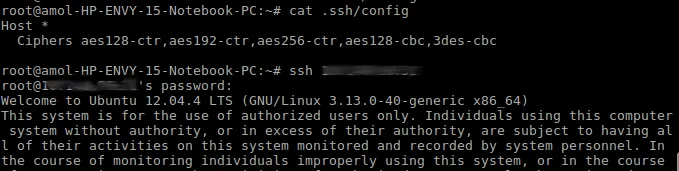
The curious case of Broken SSH.
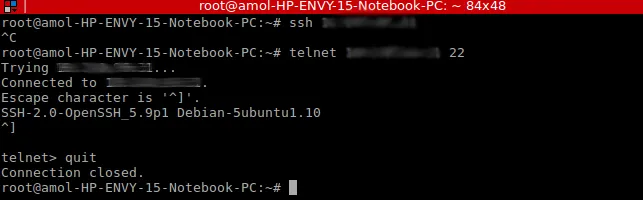
While accessing one of my private cloud server I came across an issue where the SSH connectivity was abruptly broken. What puzzeled me more was that telnet was working to the same server.
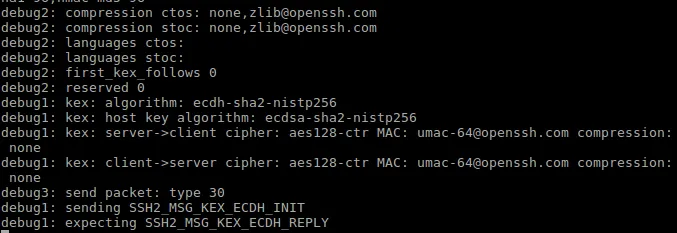
On running SSH in verbose mode the following messages related to aes cipher was encountered.
To know more about the root cause of the issue, refer to - http://www.held.org.il/blog/2011/05/the-myterious-case-of-broken-ssh-client-connection-reset-by-peer/
Solution using the cipher specification using “-c cipher_spec” with your SSH connection, the default is 3des incase -c is not used.

To avoid specifying cipher specification for every SSH connection, add the same to $HOME/.ssh/config OR /etc/ssh/ssh_config